Change journal
On a large server, most of the account backup time goes into walking folders that have not changed since the night before. With the Change journal, Salvo notes which folders changed and, in the backup, walks only those, reusing the rest: the backup finishes much faster.
● in testing ● available in 0.7.136 off by default cPanel and DirectAdmin.
On the screen
Settings › Performance › Change journal:
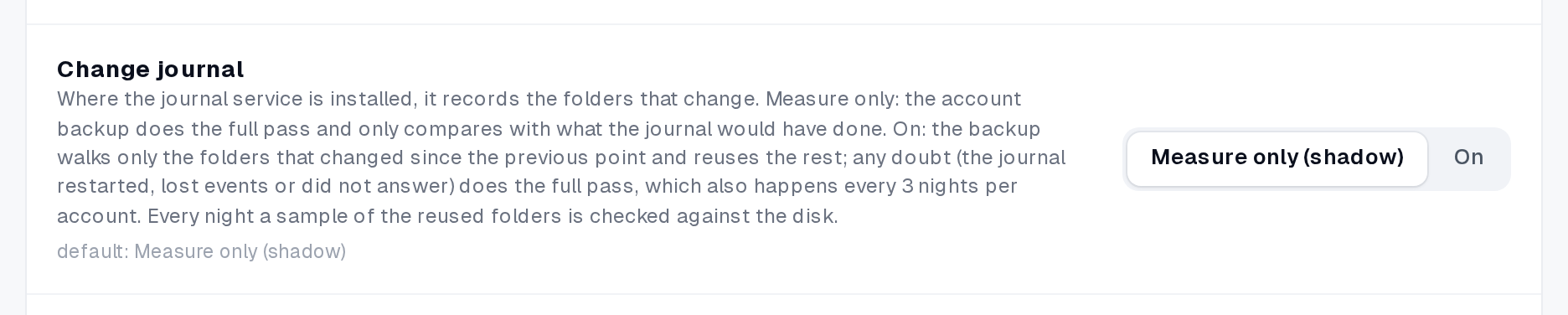
| Option | What happens |
|---|---|
| Measure only (shadow) (default) | the account backup does the usual full pass and only compares with what the journal would have done; the summary goes to the run log |
| On | the backup walks only the folders that changed since the last backup and reuses the rest |
Even when on, Salvo does a full pass when:
- there is any doubt: the journal restarted, lost events or did not answer;
- it is the first night after turning it on;
- every 3 nights for each account; after 10 nights in a row of clean checks on the server, every 7 (any difference goes back to 3).
The nightly check (0.7.138): for each account, Salvo checks a sample of the reused folders and of the new folders against the disk, respecting the job's exclusions, and also looks for any file created that was left out of the backup. If it finds a difference, or if the check could not run, the item gets the Change journal check warning (never below Warning, see Alert rules) and the account does a full pass on its next copy. The result shows in the run (Change journal check block), in the log and in the Audit.
Install the journal service, leave it on Measure only for a few nights and check the summary in the run logs. Turn it on when the summary shows zero missed folders.
Updating Salvo does not interrupt the journal.
On the command line
# install the journal service (prerequisite), see its status and remove it
salvo journal-install --state /var/lib/salvo
salvo journal-status
salvo journal-uninstall
# the mode: measure only (default) or on
salvo config --set diario_modo=sombra
salvo config --set diario_modo=ligado
Mode changes go to the Audit.