First backup
Run a job by hand, before turning its schedule on. On a server with JetBackup, start with one small account and run it outside JetBackup's backup window, so both do not compete for the storage.
● available Requires a job: imported from JetBackup or created in Salvo.
Before 0.4.105, a job imported from JetBackup with all accounts ran and copied no account. Check the version and update before running it:
/var/lib/salvo/salvo version
/var/lib/salvo/salvo self-update
If you ran an imported job on an older version, update and run it again. From 0.4.105 on, an imported job covers every account of the panel, including the ones created later, and refuses with an error if it cannot read the accounts.
On the screen
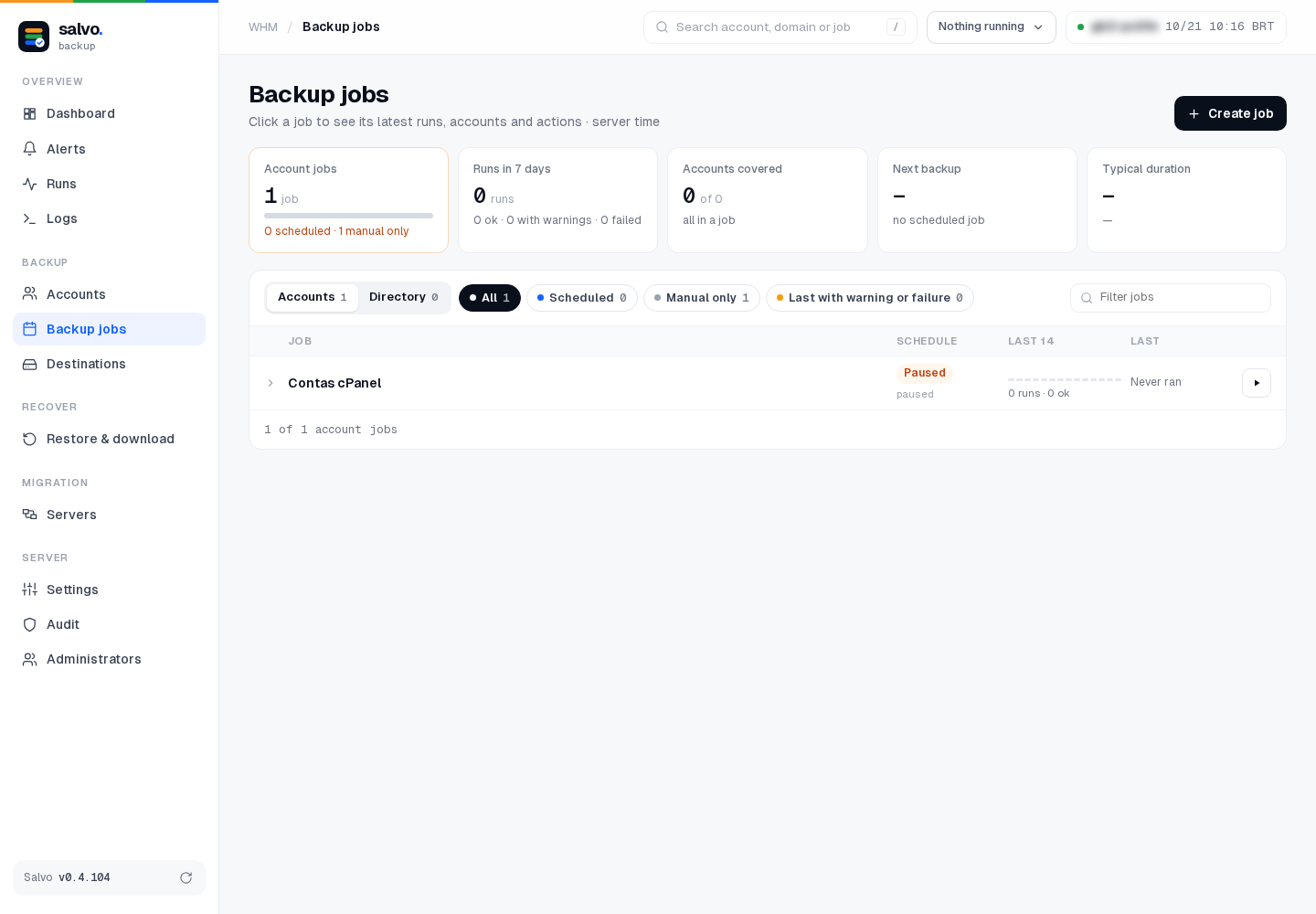
The whole job: Backup jobs › the ▶ button at the right end of the job's line (tooltip Run now). Inside the job, the same button reads Run now.
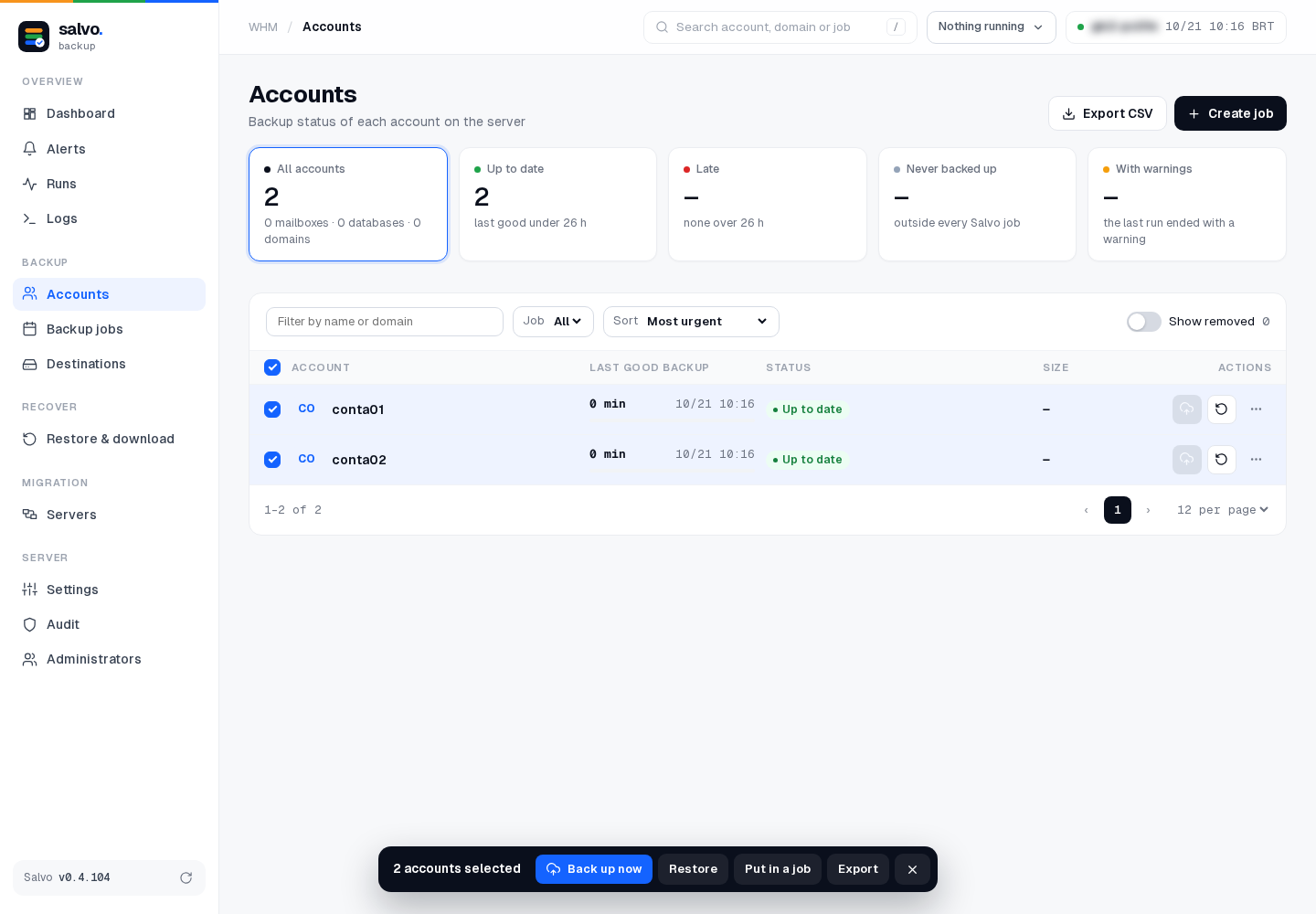
One or more accounts: Accounts › check the accounts › Back up now, in the bar at the bottom. Each line also has a cloud icon (tooltip Back up now (job N)); it is disabled when the account is not in any Salvo job.
Follow it in Runs (see Follow a backup).
On the command line
# the job number (N) and its accounts
/var/lib/salvo/salvo job-show --job N
# only one account of the job
/var/lib/salvo/salvo run --job N --account conta01
# the whole job
/var/lib/salvo/salvo run --job N
# follow the runs
/var/lib/salvo/salvo runs
Check the result
Open Runs: the run must list every account the job covers (for an imported job, all the accounts of the panel). Then open Restore & download and check that the account's backup is listed, with today's date.
Next: Schedules.